01
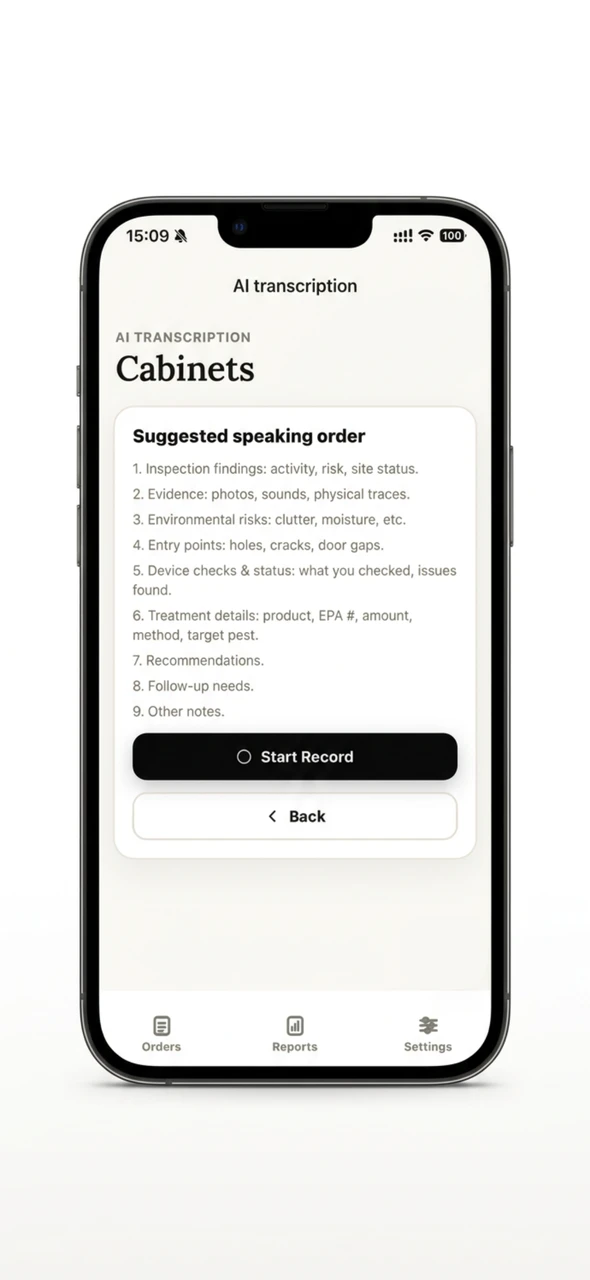
Record the visit
Technicians describe pest activity, device checks, treatments, and recommendations in one field recording.
AI field reporting for commercial pest control teams
Technicians record what they see and do on site. IPMTrace turns voice, photos, and field evidence into structured records—then keeps every critical treatment detail ready for human review.
01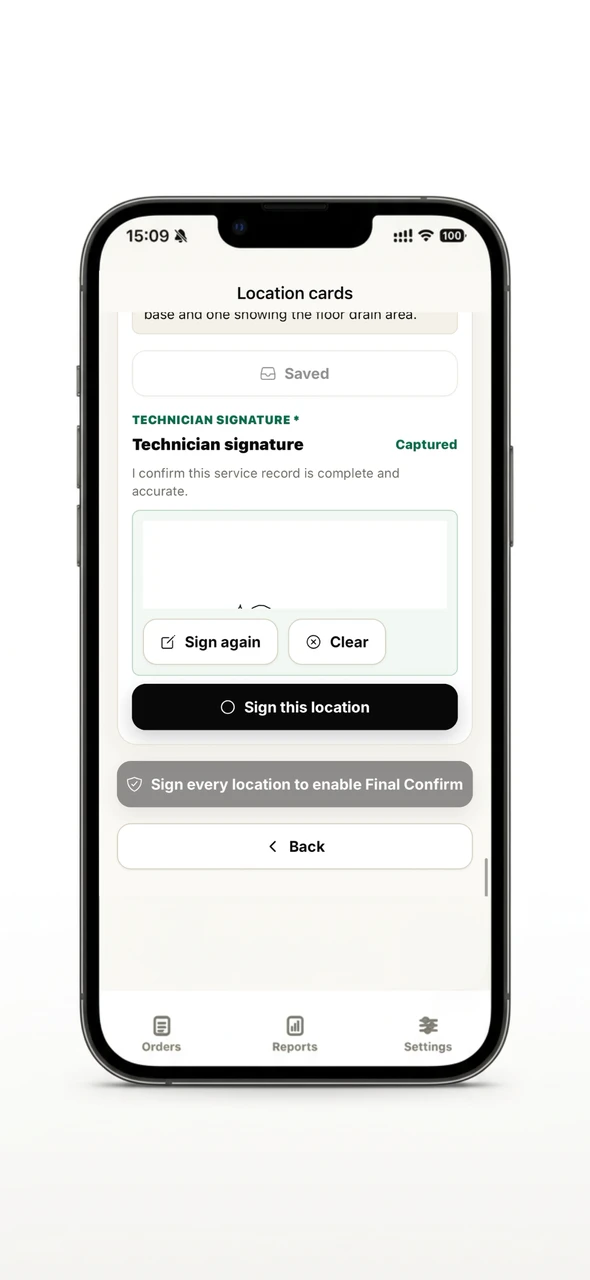 03
03The AI workflow
01
Technicians describe pest activity, device checks, treatments, and recommendations in one field recording.
02
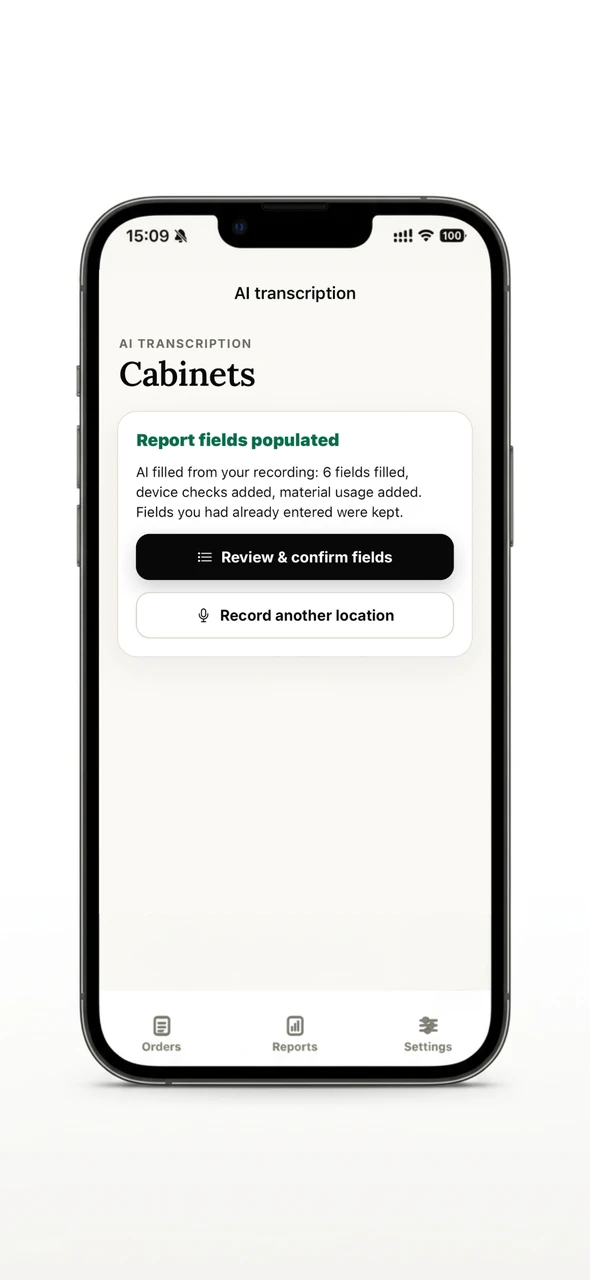
IPMTrace turns the recording into location-level report fields and connects photos and other evidence to the right service area.
03
Missing or unclear required fields are highlighted. Technicians can add another recording or type the missing information.
04
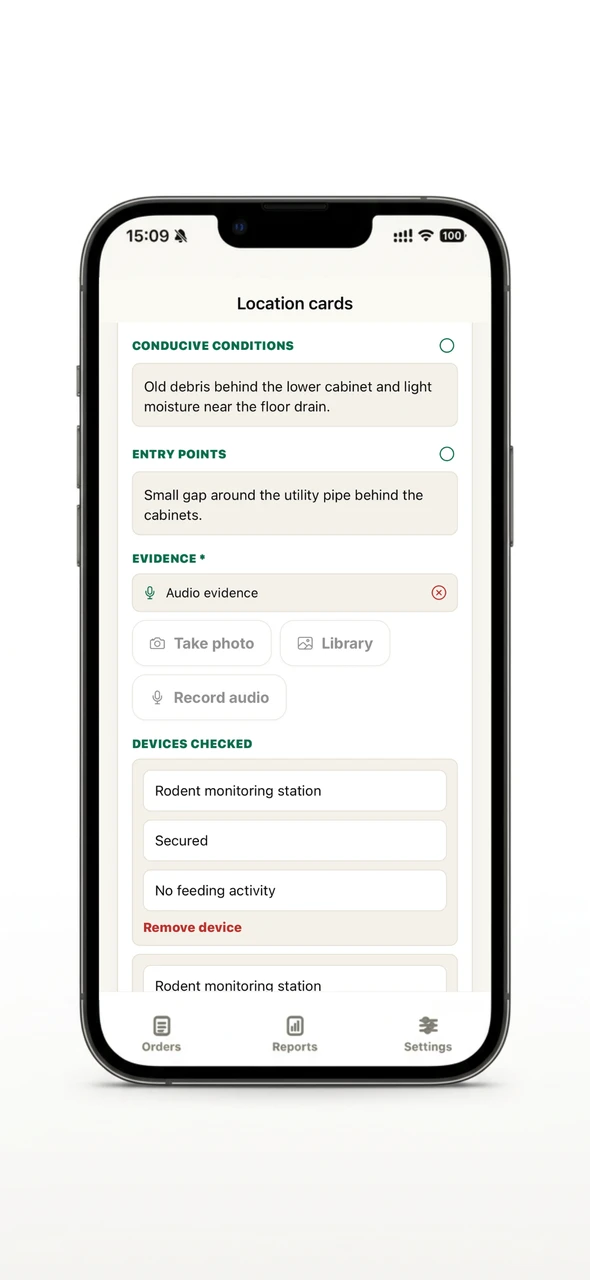
AI drafts are never final. Technicians review the completed record before the work order moves to office review.
Why field teams use IPMTrace
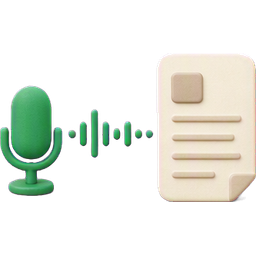
Convert one field recording into structured report content instead of rebuilding notes after returning to the office.
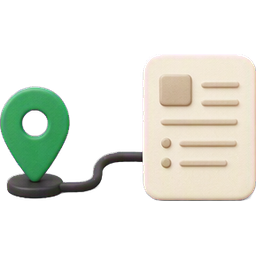
Keep findings, photos, device checks, treatments, and recommendations connected to the exact service location.
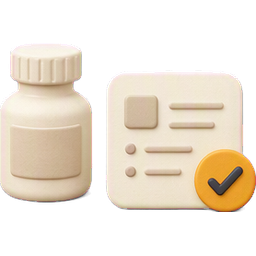
Chemical product, EPA registration number, amount, unit, method, and treatment location remain subject to human confirmation.
Give office reviewers a complete, structured field record instead of incomplete notes, photos, and follow-up calls.
Technician app experience

See the next required step—from confirming a job to checking in, completing service, and finalizing the report.
Open each service location, record the full visit, and review the fields generated for that location.

Attach photos and voice evidence where they belong, so every record stays tied to the area inspected or treated.

Keep working in basements, warehouses, and low-signal areas. Sync records when a connection is available.
From field record to office review

Guides and resources
Connect assigned work, field evidence, human confirmation, office review, and exportable records.
Read the guideHelp technicians capture photos, voice notes, and location-based evidence while they are on site.
Read the guideReview field evidence, confirm sensitive details, and prepare service records for delivery with a clear office workflow.
Read the guideConnect field evidence, service details, office review, and exportable reports for recurring multi-site service.
Read the guideFamiliar field scenarios
Kitchen, Prep Room, Rear Entry. Technician records pest activity, device status, sanitation risks, treatments, and follow-up needs in one voice note. IPMTrace structures the details by location, highlights missing treatment data for technician review, and produces a location-based record for office review.
Receiving Dock, Dry Storage, Exterior Bait Stations. Technician captures rodent signs, loading-door vulnerabilities, bait-station checks, photo evidence, and treatment details in one recording. IPMTrace links photos and treatments to locations and surfaces a complete record for office handoff.
Trash Room, Utility Room, Exterior Stations. Technician performs multi-area inspections, notes device maintenance, trash/moisture risks, remediation suggestions, and follow-up needs in a single voice note. IPMTrace organizes findings by unit/location so offices can act without rebuilding visits.
AI-assisted, human-confirmed
IPMTrace uses AI to draft structured field records. It does not replace professional judgment. Before a record moves forward, technicians review required information and confirm critical treatment details. Submitted records can then be reviewed by the office before client delivery or export.
No. AI creates a draft for the technician to review. Client-facing output uses the finalized record after human confirmation and office review.
Technicians can describe findings, evidence, device checks, environmental risks, entry points, treatments, recommendations, follow-up needs, and notes for a specific location.
Required fields that are missing or unclear are highlighted. The technician can add another recording for the location or enter the information manually.
Yes. Technicians can save field drafts and sync when they are back online.
IPMTrace is built for commercial pest control and IPM service teams that need faster field documentation and more reliable records for restaurant, warehouse, property, and other commercial clients.
See how IPMTrace turns field voice notes into structured, review-ready IPM records.
Copyright 2026 IPMTrace.